Blacklist (DNC)
With Topa.io, you can prevent specific phone numbers from ever receiving voicemails or SMS messages. The Blacklist (DNC) feature ensures that certain contacts—whether uploaded manually, added automatically, or returned through enrichment—are fully blocked from entering any campaign. This helps you stay compliant, avoid unwanted sends, and maintain clean outreach workflows. Follow the steps below to understand how the blacklist works and how to manage it.
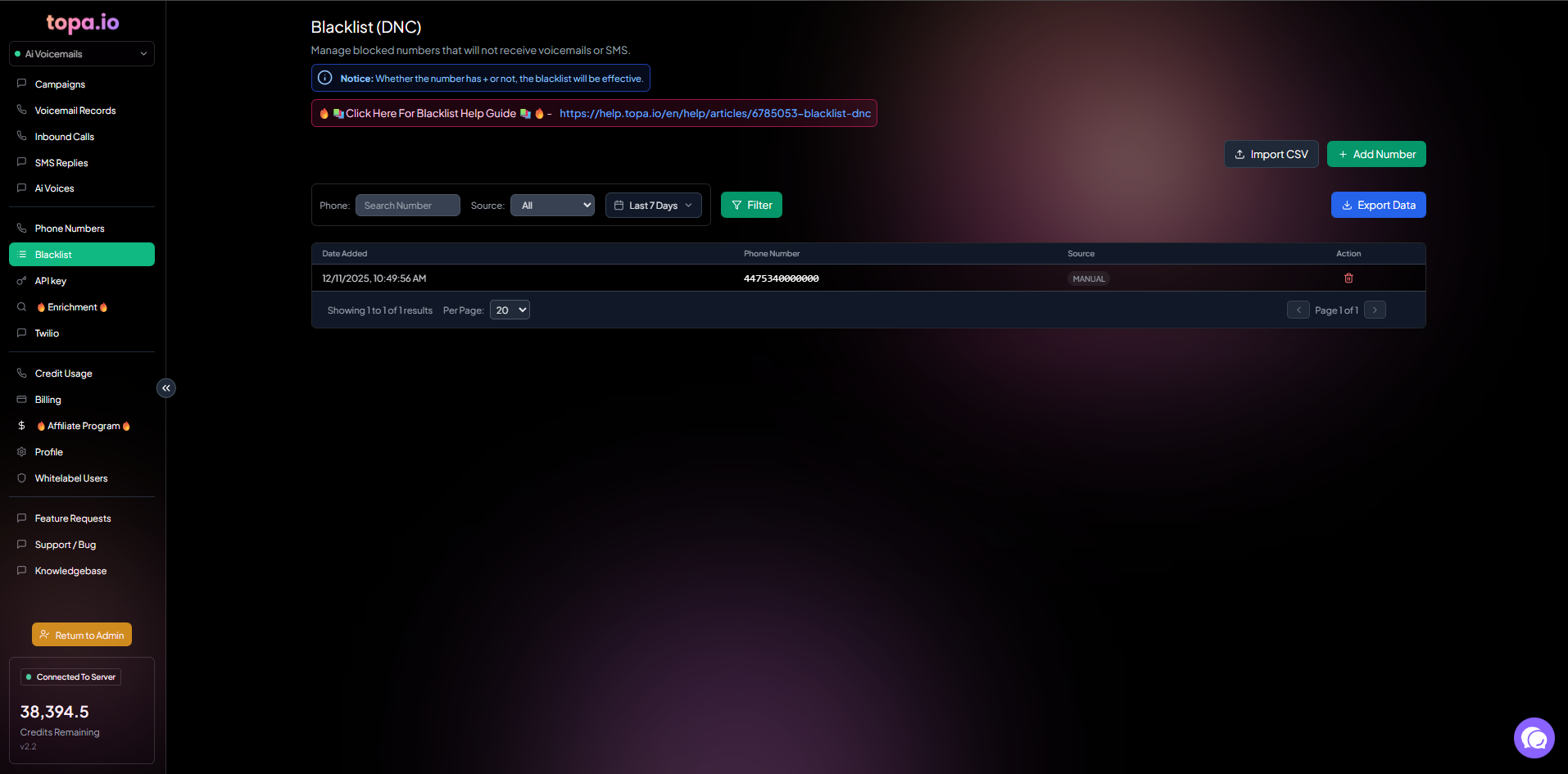
Step 1 — How the Blacklist Works
The blacklist feature is designed to stop voicemail and SMS being sent to anyone on this list.
Step 2 — Add Numbers via CSV Upload
You can upload a CSV file to add numbers to the blacklist.
The CSV file must have a column with a header named “phone”.
It does not matter if the numbers have a + or not at the start.
Step 3 — Add Numbers Manually
Click + Add Number to add numbers individually.
Step 4 — Restrictions for Blacklisted Numbers
Any numbers in this list cannot receive a voicemail or SMS, as they cannot enter the campaign.
If you send a webhook with a number that matches this blacklist, the record won’t enter the campaign, and you will get the error message Discarded (Blacklisted).
If you upload numbers to a Manual – Upload CSV campaign, they won’t enter the campaign if they are on this list.
If you enrich a record via email or LinkedIn via any of our campaigns, and the returned cell phone matches this blacklist, the voicemail or SMS won’t send.
Step 5 — Automatic Blacklist via SMS Replies
If anyone replies to an SMS with DELETE, they will automatically be added to this blacklist.
Was this helpful?
Still need help? Ask the team