Followup Heyreach Campaigns
This is how to followup your heyreach connection requests and messages with Ai Voicemails, SMS and Whatsapp.
First you must setup a webhook campaign by following this guide - Click Here
Step 1
Go to Integrations in Hey Reach. Click Here

Step 2
Click on Webhook Connect Now and Create Webhook.
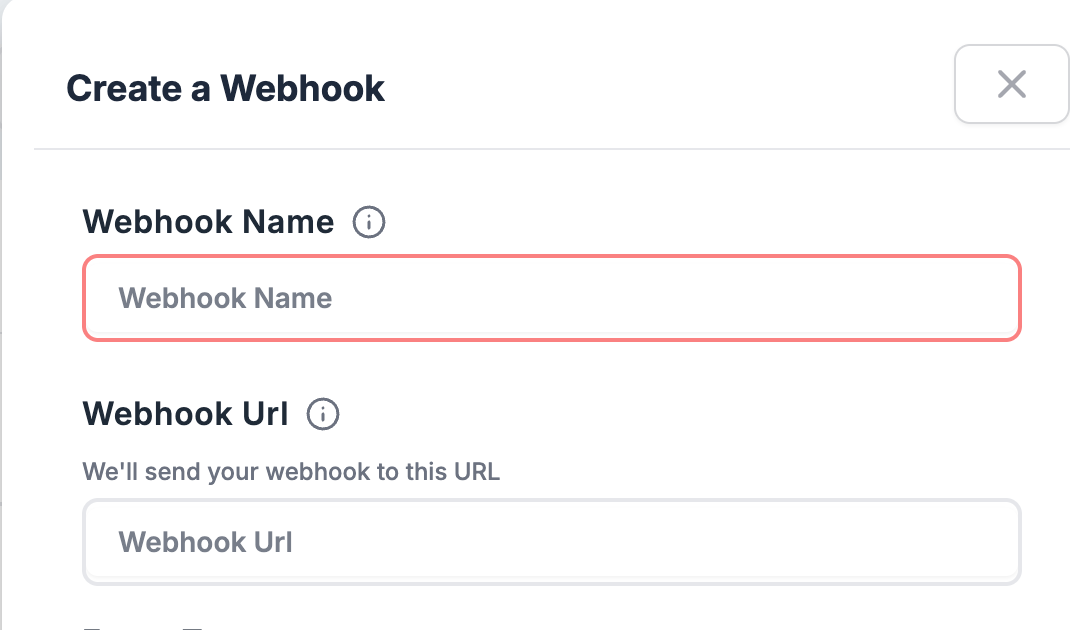
Give the webhook a name and enter the webhook URL you got after setting up your campaign.
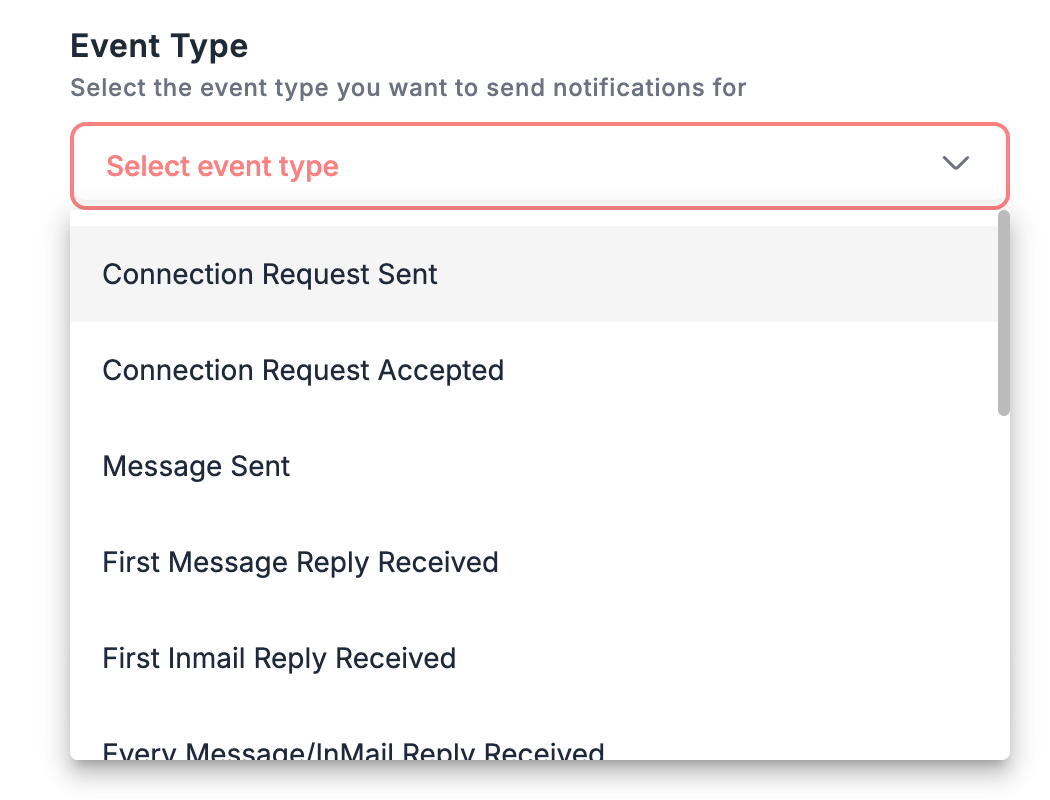
Select the event type you wish to trigger the Topa campaign on. The most popular use cases are Connection Request Sent and Message Sent.
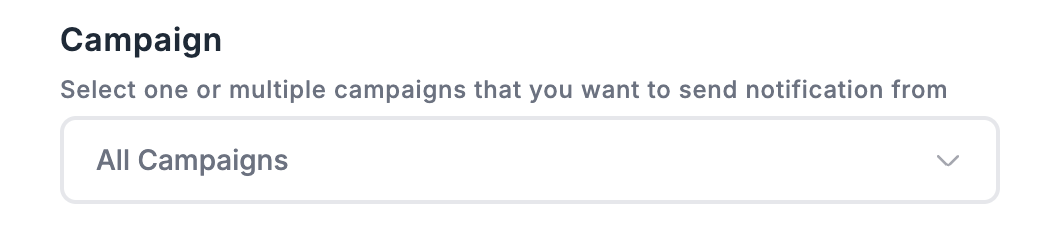
Select which Campaign you wish to send the webhook on.
Click create webhook, make sure the campaign is active in Topa and you have credits, and you are done!
Was this helpful?
Still need help? Ask the team