Followup Salesrobot Campaigns
This is how to followup your smartlead connection requests and messages with Ai Voicemails, SMS and Whatsapp.
First you must setup a webhook campaign by following this guide - Click Here
Step 1
Go to Integrations in Sales Robot. Click Here
Step 2
Create a new webhook.
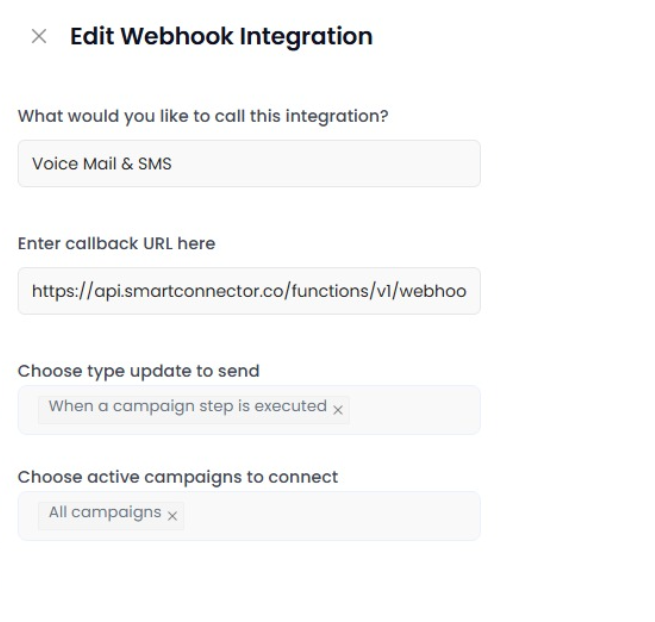
Enter the webhook URL you copied from when setting up your Webhook campaign.
Use the “When a campaign step is executed” type. Note - Topa will only send when the step which was executed was a send message step.
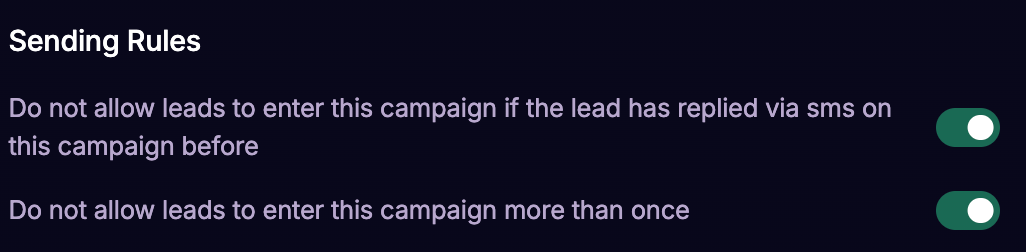
If your sales robot has multiple message sequences, in the webhook campaign settings in Topa you can select “Do not allow leads to enter this campaign more than once” to prevent multiple Ai Voicemails / SMS / Whatsapp being sent to the same contact.
Was this helpful?
Still need help? Ask the team